 Herra System
Your AI can build the page. Who checks what it made up?
A skill for Claude Code and Codex. It asks for the real facts first, then designs, builds and checks the page.
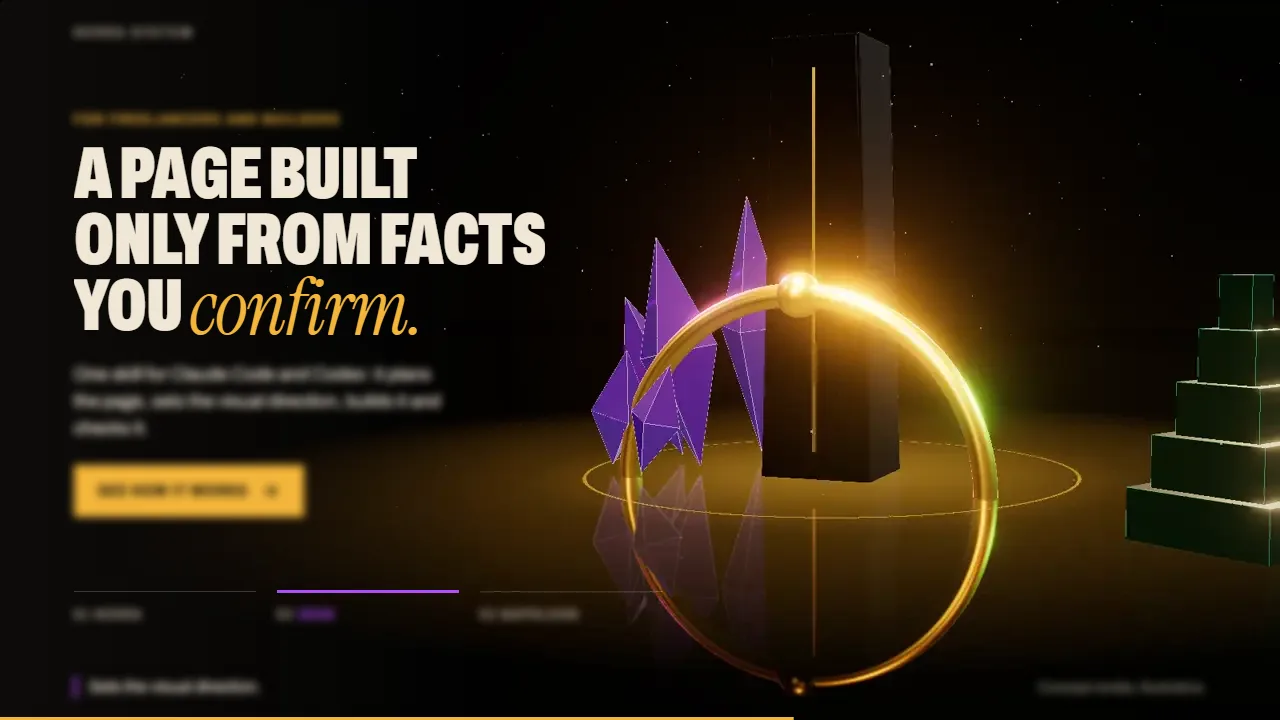
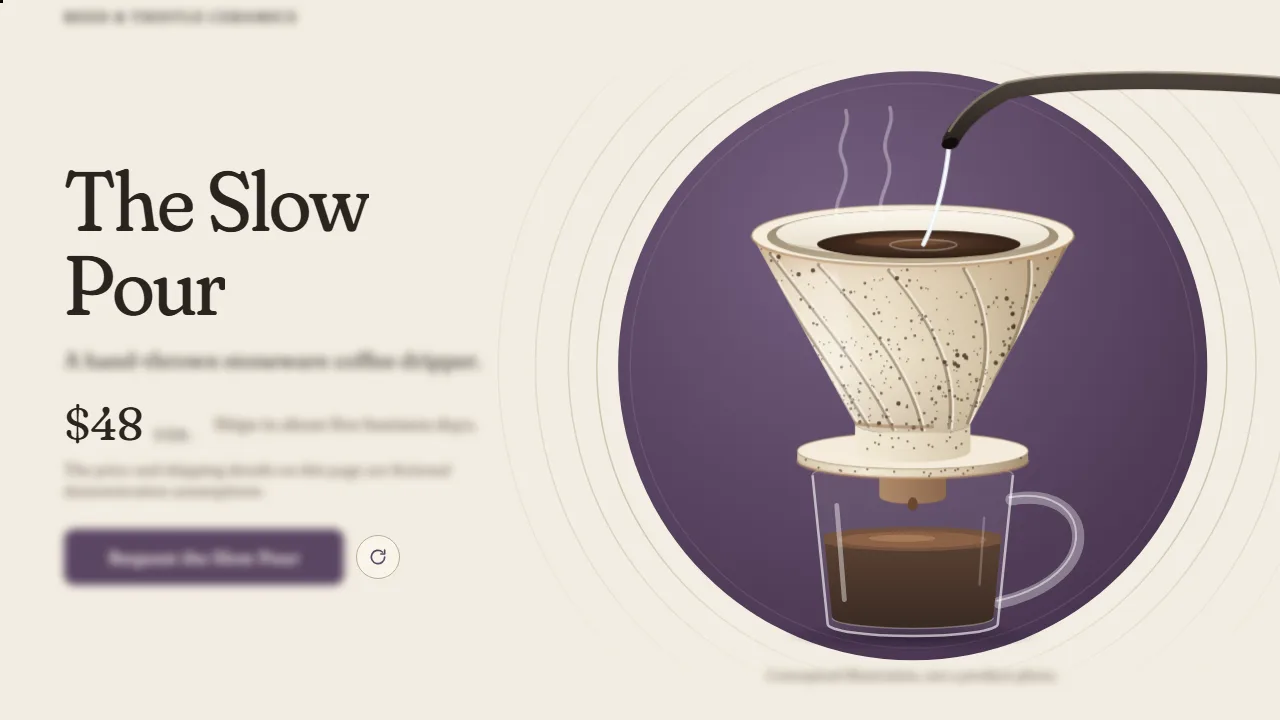

The page looks finished. The facts might not be.
A one-prompt page can look polished. Then you read it line by line, because you cannot tell which parts came from the business and which parts the AI guessed. With the next client, the process starts again from zero.
One project, three steps.
You stay in charge of the facts and the approvals.
- 1Ground
You bring the client's real facts and assets. HERRA works out the offer, the goal and the call to action, and keeps a source ledger of what is confirmed and what is missing.
- 2Design and build
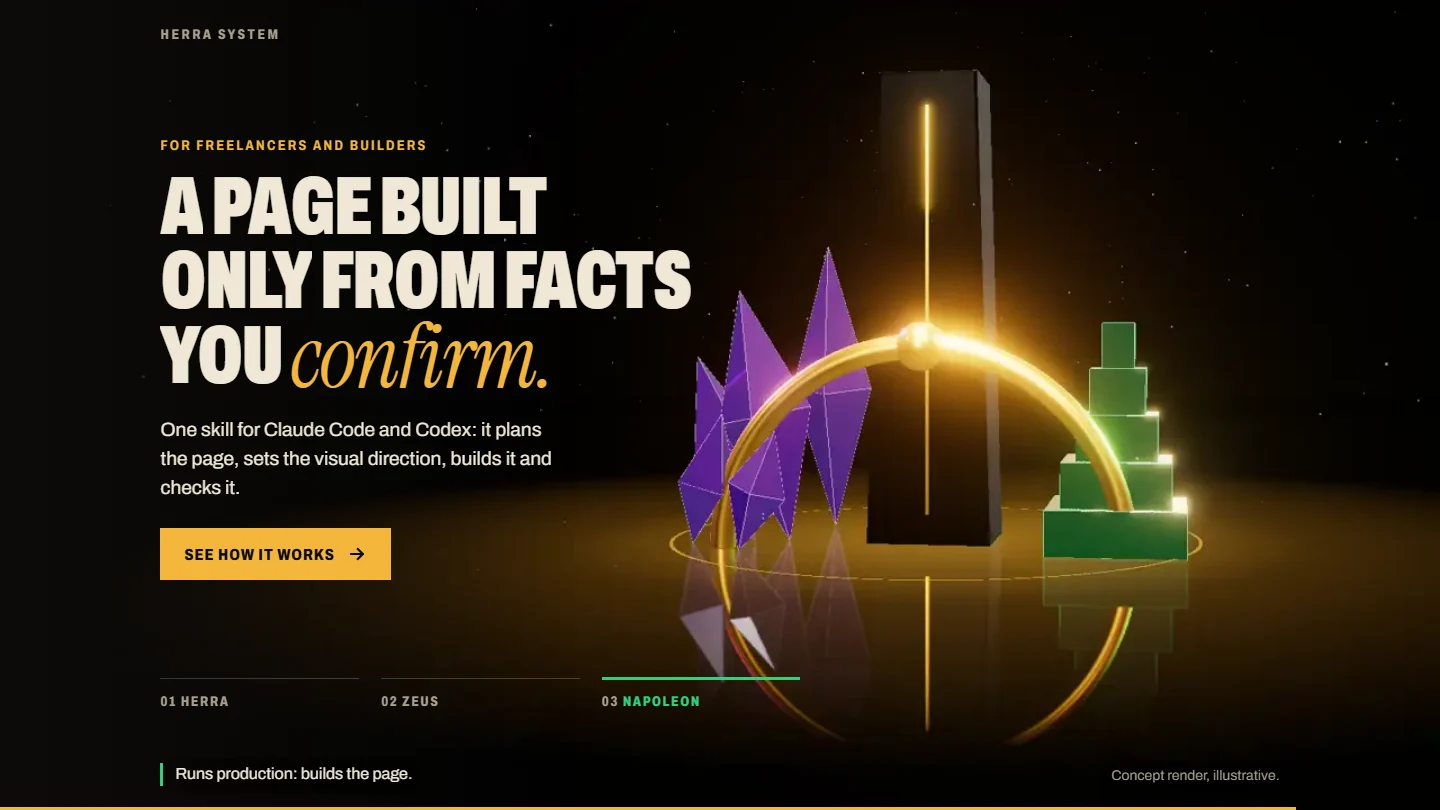
ZEUS sets the visual direction and presents a Direction Card for your client to approve. NAPOLEON then builds the page.
- 3Validate
Three reviews run on the built page: visual, strategic and functional. Then you decide on launch.
HERRA makes it make sense. ZEUS makes it look worth paying for. NAPOLEON gets it finished.
What you download
- 1
The HERRA System skill
Strategy, visual direction, production and checks in one skill, with project memory and an optional lessons library.
- 2
Motion and cinematic kit
Scroll moments, motion and 3D. New in version 2 and still being tested on real phones.
- 3
Guides and examples
Install guides, tool profiles for Claude Code and Codex, and two worked examples.
What you can show your client
Every project leaves records you can open together.
Why not just prompt Claude yourself?
You can, and the page can turn out well. What you get here is the structure you would otherwise build and maintain yourself: the questions asked first, the source ledger, the checks and the records.
Before you buy
Needs your own Claude Code or Codex access, plus Node.js for a full build. Guided install, not one-click. You still supply the real business facts and review the result.
Claude chat covers planning only.
- Not included
- Building your client's site, your client's facts or assets, your Claude Code or Codex subscription, hosting, domains and custom integrations.
- Not guaranteed
- Leads, sales, revenue, conversion rates, error-free output, or a published site within a fixed time.
Where it stands today
This is HERRA System 2.0.0-rc.2, a release candidate sold as Early Access. The motion kit has not been tested on real phones. Codex end to end and the lessons library in real projects are also untested. There are no customer results to show yet.
Questions
Do I need Claude Code or Codex?
Yes, for a full build. Claude chat covers planning only.
Will it get me leads or sales?
No promise is made. Traffic, your client's offer and the assets supplied decide results. The checks measure the page against defined standards, not sales.
Does the source ledger guarantee the facts are true?
No. It shows where each statement came from and what is missing. The facts still come from your client, and you approve them.
Is it ready for client work?
It is a release candidate sold as Early Access. The untested areas are listed above, so you can decide with them in view.
How do I get the package after paying?
After we verify your payment, usually in about 30 minutes, we send a download link to the email you give.
7-DayBuyer Protection
If you can’t access your HERRA System package, files are missing or broken, or the package is materially different from its description, contact us within 7 calendar days of receiving your download email.
We will restore access, fix the affected files, or send a replacement package at no extra cost, or a full refund if we can’t.
Covers the package and its stated inclusions only, not a guarantee of leads, sales, revenue or a finished website; does not limit your rights under applicable consumer law.
Not covered: a package whose files you have changed.
Questions or install help: email jareebusiness.systems@gmail.com or message facebook.com/jareebuilds on Facebook.
₱899 one-time payment
Scan to pay.


Amount: ₱899
Confirm the receiver name starts with “Jaree Jay” before you send.
Scan QRPay ₱899Tap I’ve paidSubmit details
Payment is checked by hand, usually in about 30 minutes. Then we email your download link.
Payment submitted for verification. Thank you. We’ll manually verify your ₱899 payment. Once verified, the HERRA System download link will be sent to the email address you provided.